Kids • Color by Number
Version 1.0 iPhone iPad Ages 4+ Fully OfflinePaint by Numbers 4 Kids
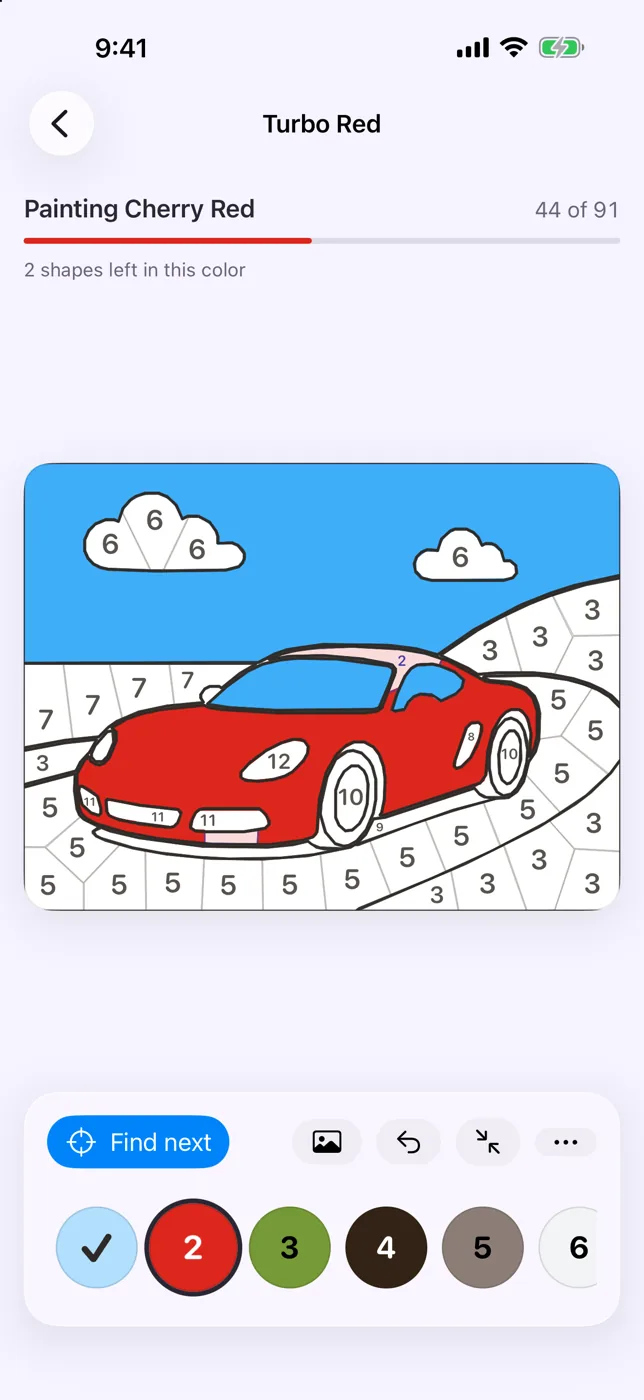
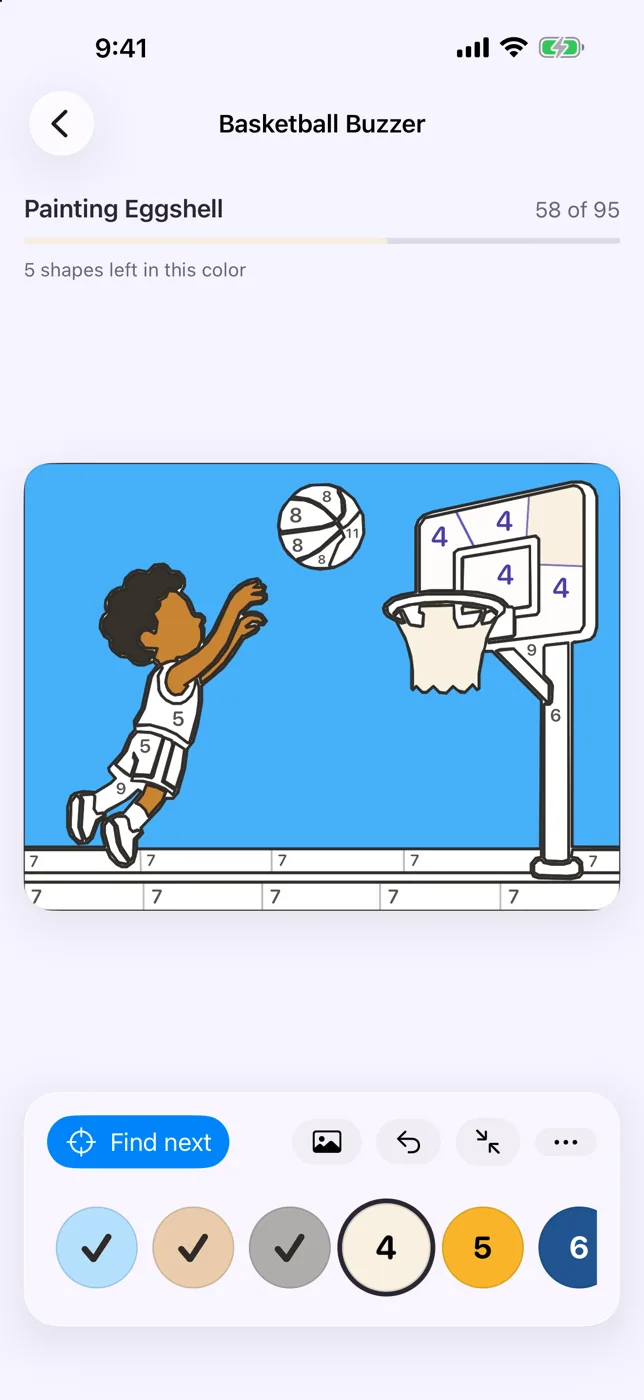
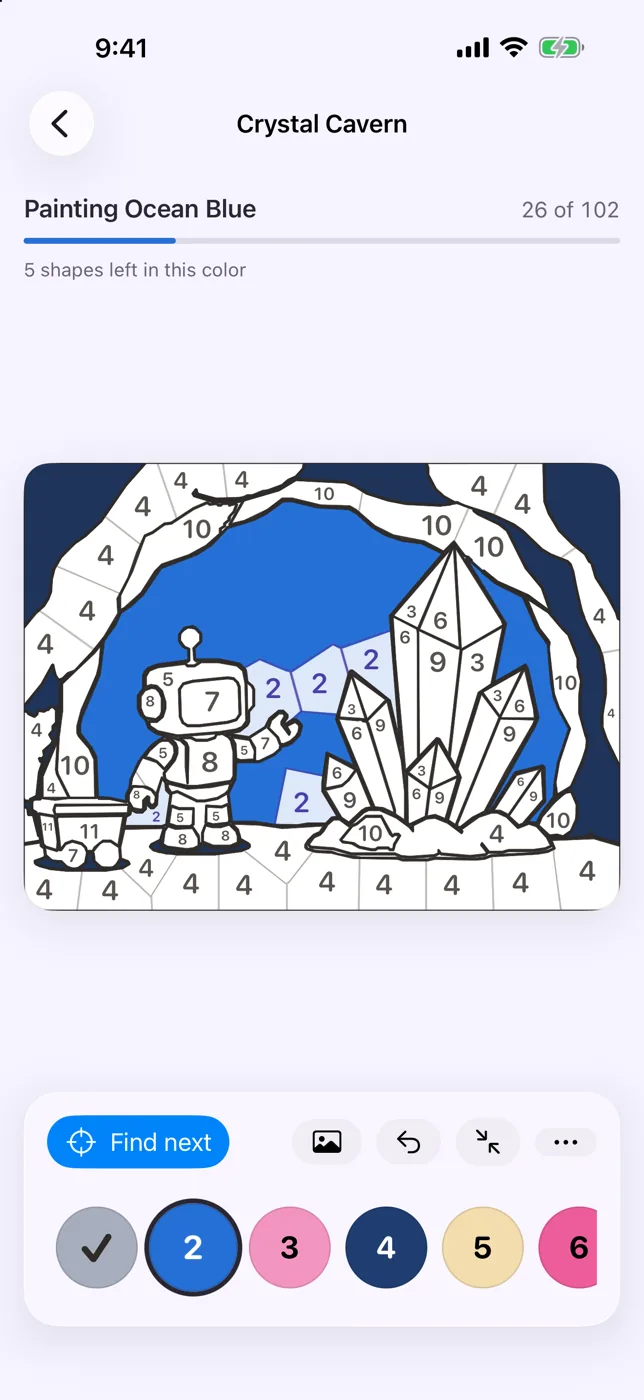
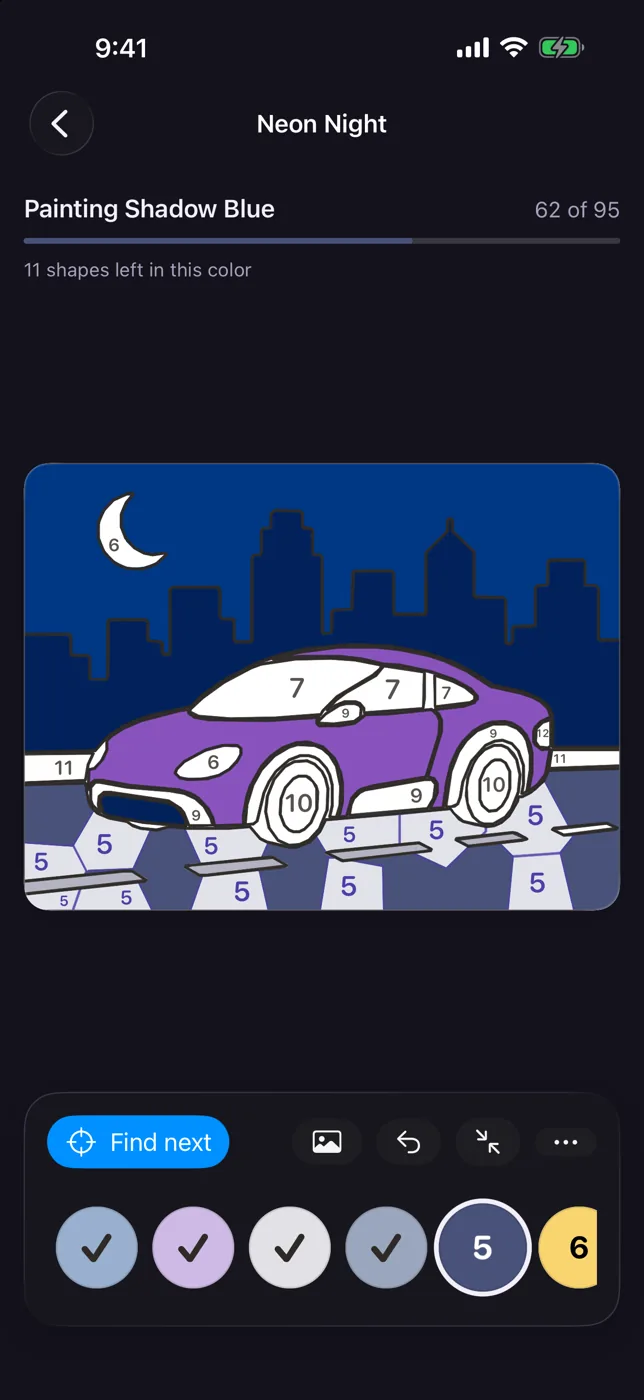
Pick a number. Find the shapes wearing it. Tap them, and watch a race car, a robot or a soccer goal fill with color right in front of you. Paint by Numbers 4 Kids is built for small hands and short attention spans — there is nothing to read, nothing to lose, and no way to get it wrong. A tap on the wrong shape doesn’t buzz; it points at the color that shape is waiting for.
A one-time purchase with nothing else to buy. No ads, no accounts, no sign-in. The app makes no network requests at all — every painting is saved on the device and nowhere else. Requires iOS 26 or later.
Download on the App StoreScreenshots
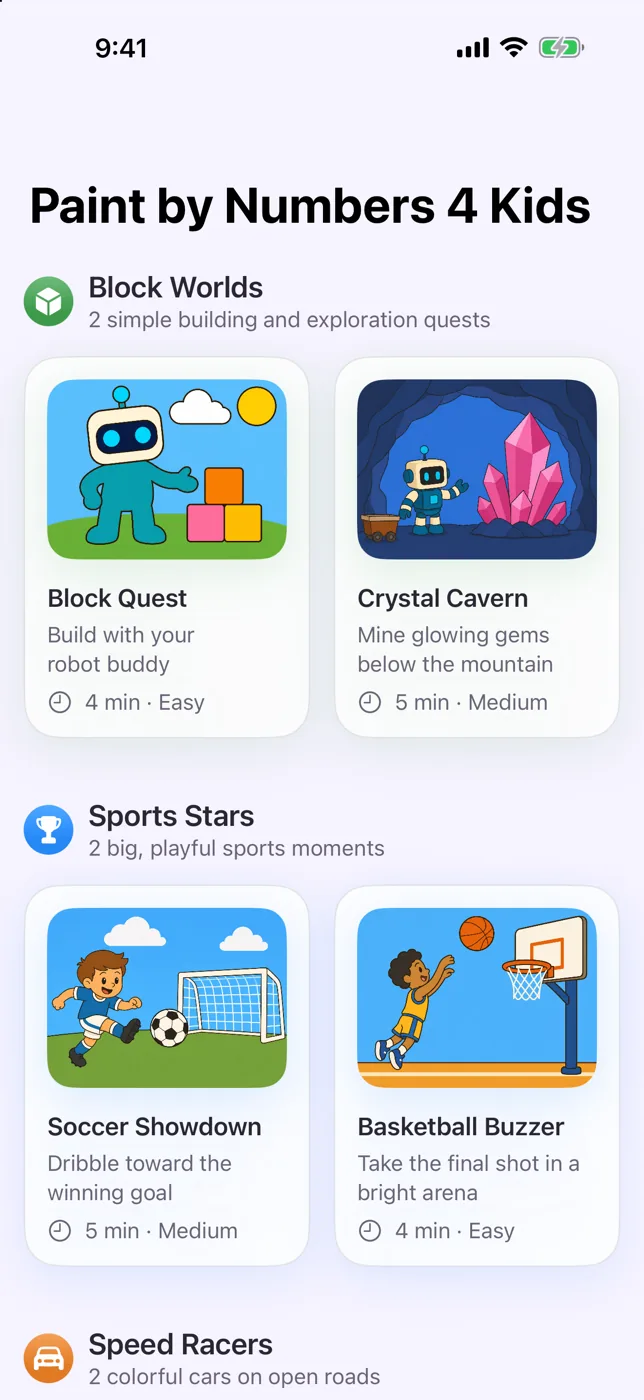
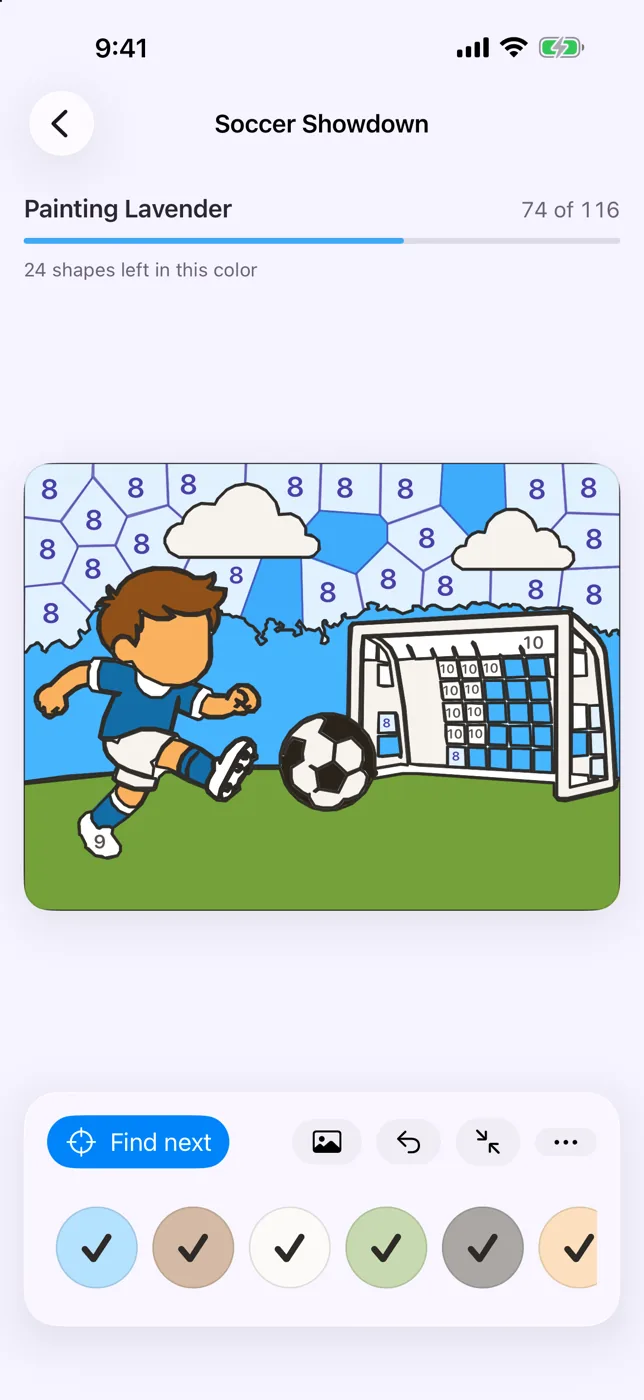
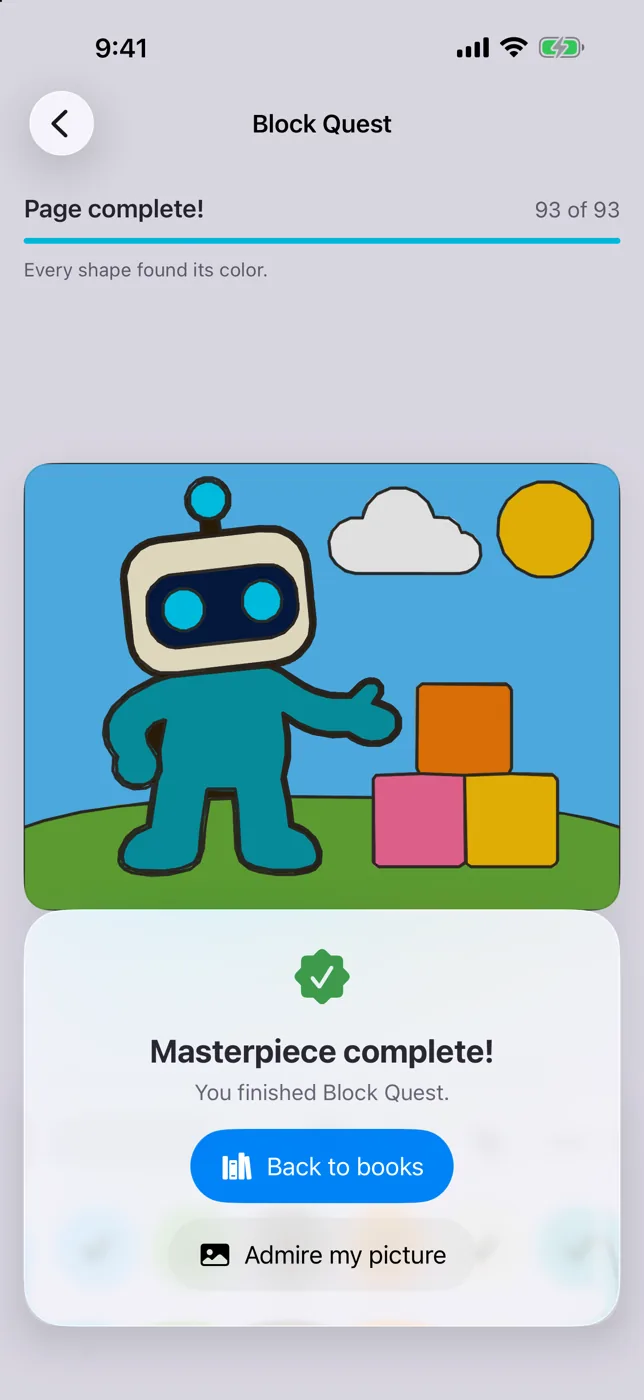
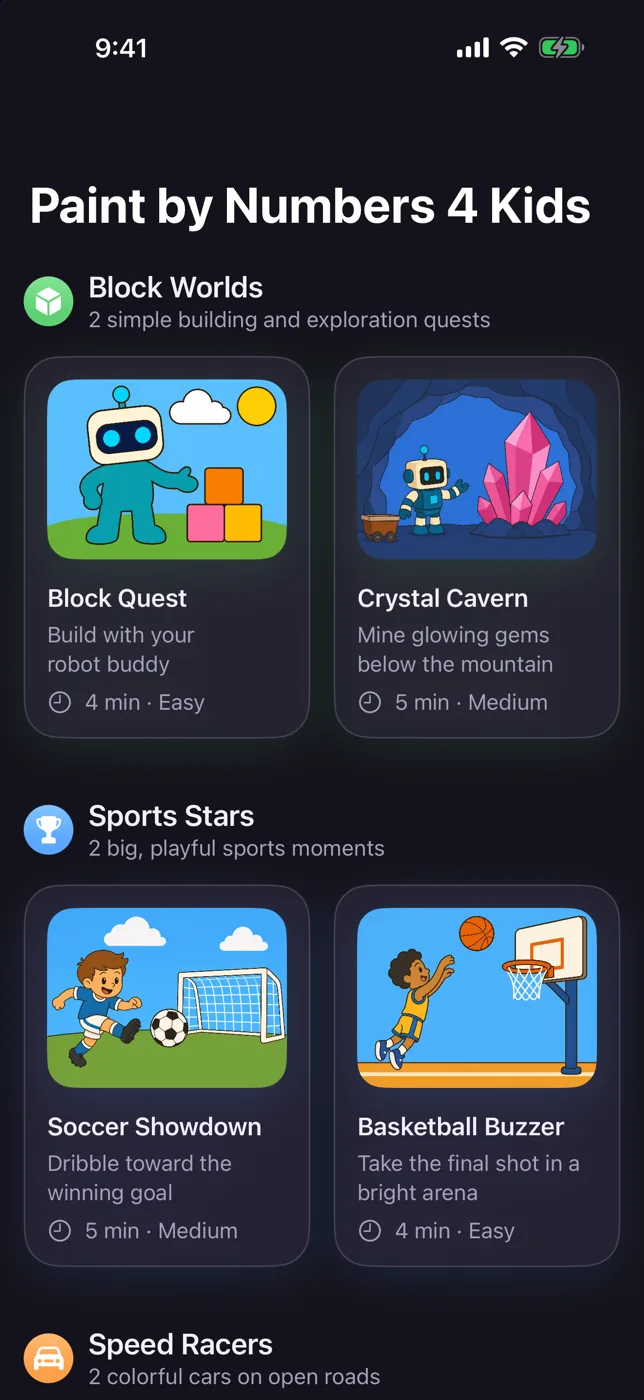
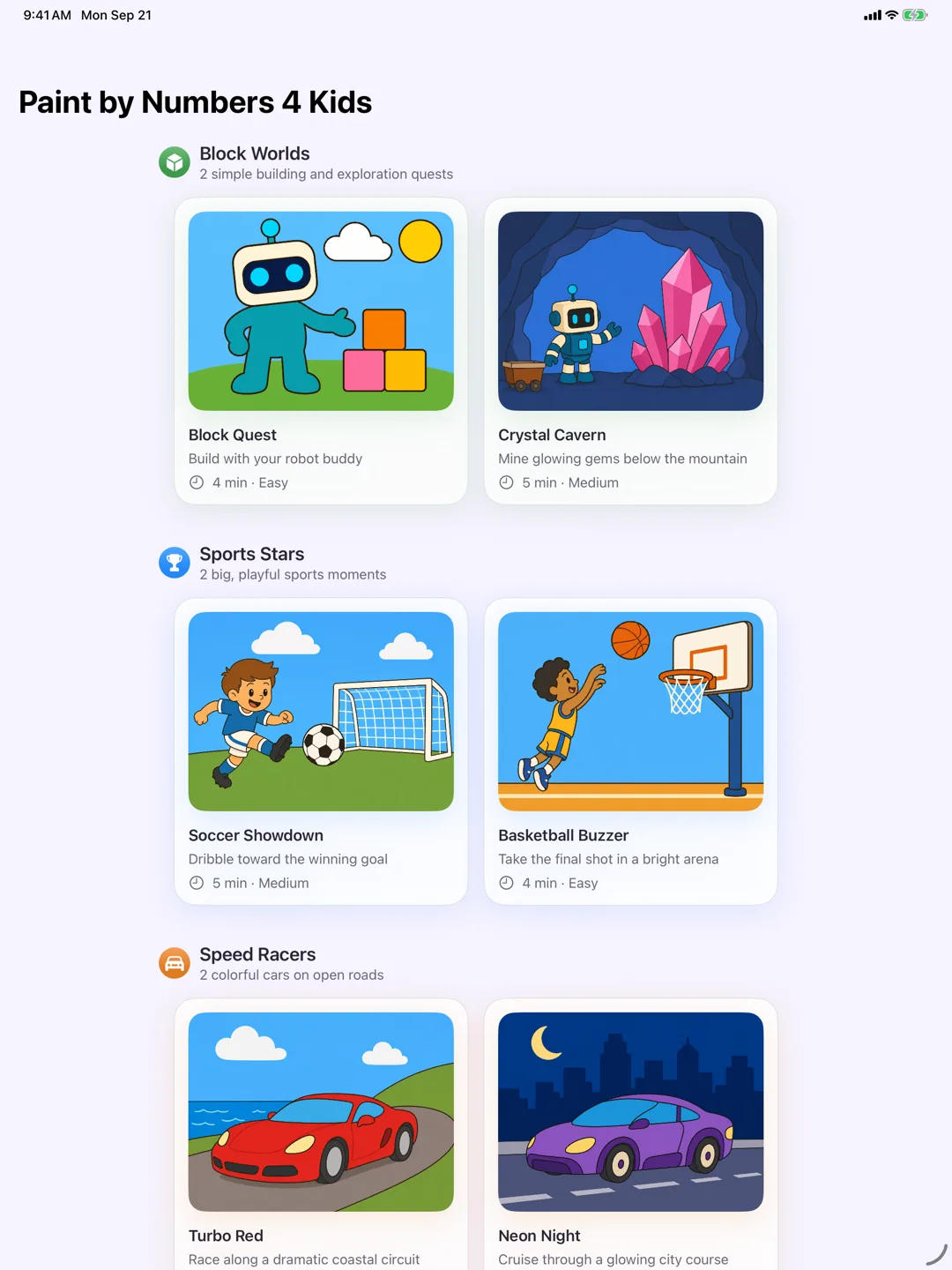
Six Pages, 91 to 116 Shapes Each
iPhone
iPad
Features
Nothing to Read. No Way to Lose.
Tap a Number, Tap a Shape
There are no tool modes to learn. A tap fills, a drag pans, a pinch zooms around the fingers, and the page can never be dragged off the screen at any zoom. Tap targets are forgiving, so a near miss still lands on the shape it was aiming for.
Nothing Is Ever Wrong
No score, no timer, no failure state. Tap a shape that belongs to another color and its chip pulses to show where that tap wanted to go — no buzzer, no penalty, nothing taken away.
Find Next Does the Looking
When a child can’t spot the next shape, Find next moves the page to it and the same button fills it. That pair completes any page without aiming — which is also the path VoiceOver takes through the game.
Six Pages Worth Sitting Down For
Three books — Block Worlds, Sports Stars and Speed Racers — holding six hand-drawn pages of 91 to 116 shapes apiece, about four or five minutes each. Every page is included; nothing in the app is locked.
Named Paints You Can Read
Every color arrives with a name — Grass Green, Cherry Red, Ocean Blue — on an opaque chip, and the same number always gets exactly the same color. Every chip clears WCAG AA contrast for the number it carries.
Sounds That Say Keep Going
Filling shapes walks up a soft pentatonic scale that resets with each new color, so a run of taps sounds like progress rather than a metronome. It plays on the ambient channel, so the ring switch silences it and anyone else’s music keeps playing. One toggle turns it off.
It Saves Itself
Progress is written as you go and shown on the page’s own card in the library — a play marker, a progress bar, and what is left. A page interrupted at bath time is waiting exactly where it was left.
A Cheer at Every Quarter
A short banner appears at each quarter of the page and dismisses itself instead of interrupting. Finish, and the celebration sits under the painting while the page fits back to the screen — so the picture is what you see.
A Parental Gate, and No Hints to Sell
Anything that could cost money sits behind a question only a grown-up will answer. There are no advertisements and no paid hints — Find next is free and unlimited, and so is undo.
Built for Every Child
Full VoiceOver support, including a way to paint a whole page without needing to aim. Numbers are sized to the shape that holds them and left out where one will not fit, and the layouts hold together at accessibility text sizes.
Dark Mode, Light Page
The app follows the system appearance, but the page being painted stays white in both — so the colors a child picks look the same at bedtime as they do at breakfast. Portrait and landscape work on iPhone and iPad alike.
Nothing Leaves the Device
No accounts, no sign-in, no email address, no analytics SDK. The app makes no network requests at all, so it behaves identically in Airplane Mode — on a plane, in a car, anywhere.
Support
Support Is Ready
Questions about how a page works, Find next, sound, or what the app stores? Visit support or review the privacy policy below.