GAMES // EMULATOR
Version 3.1 iPhone & iPad 10 Consoles iPhone Duo OfflineRetro Handheld
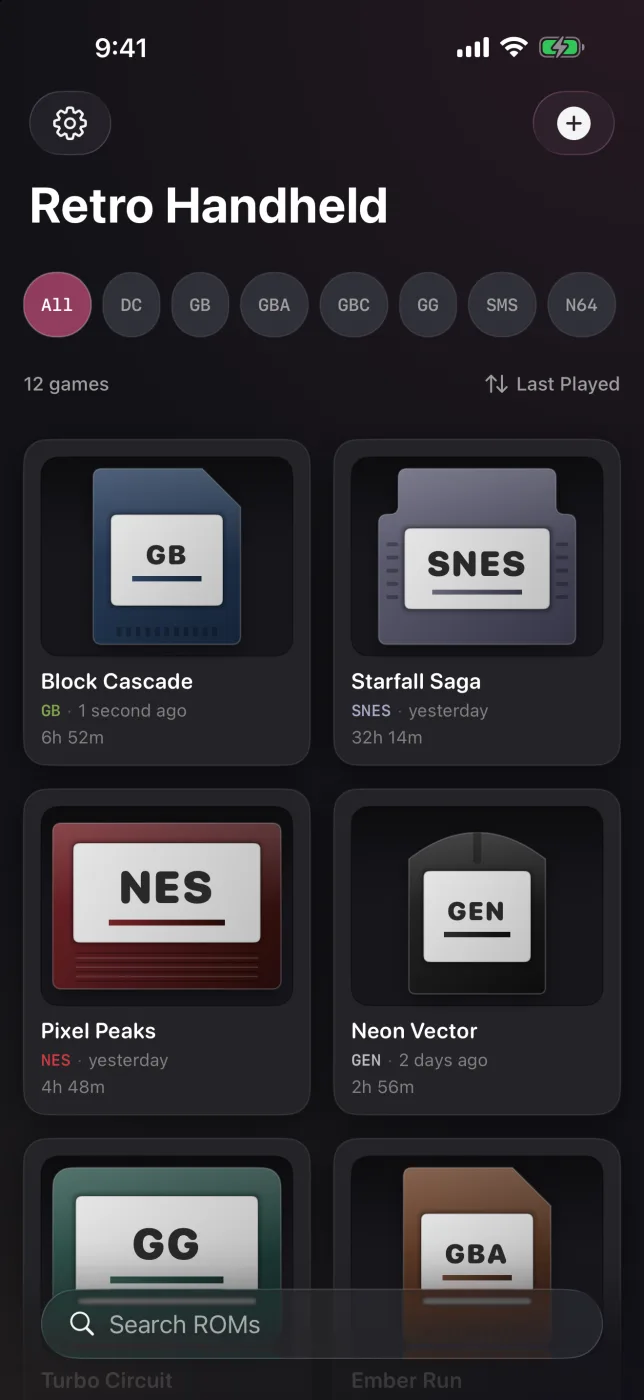
Turn your iPhone or iPad into the ultimate retro gaming machine. Import your own game files from the Files app and play Game Boy through Dreamcast in one app, with controller support, cheats, save states, a split tabletop layout that follows an iPhone Duo fold, and no accounts or internet required.
Download on the App StoreScreenshots
Classic Libraries, Modern iOS Feel
iPhone
iPhone landscape
iPad
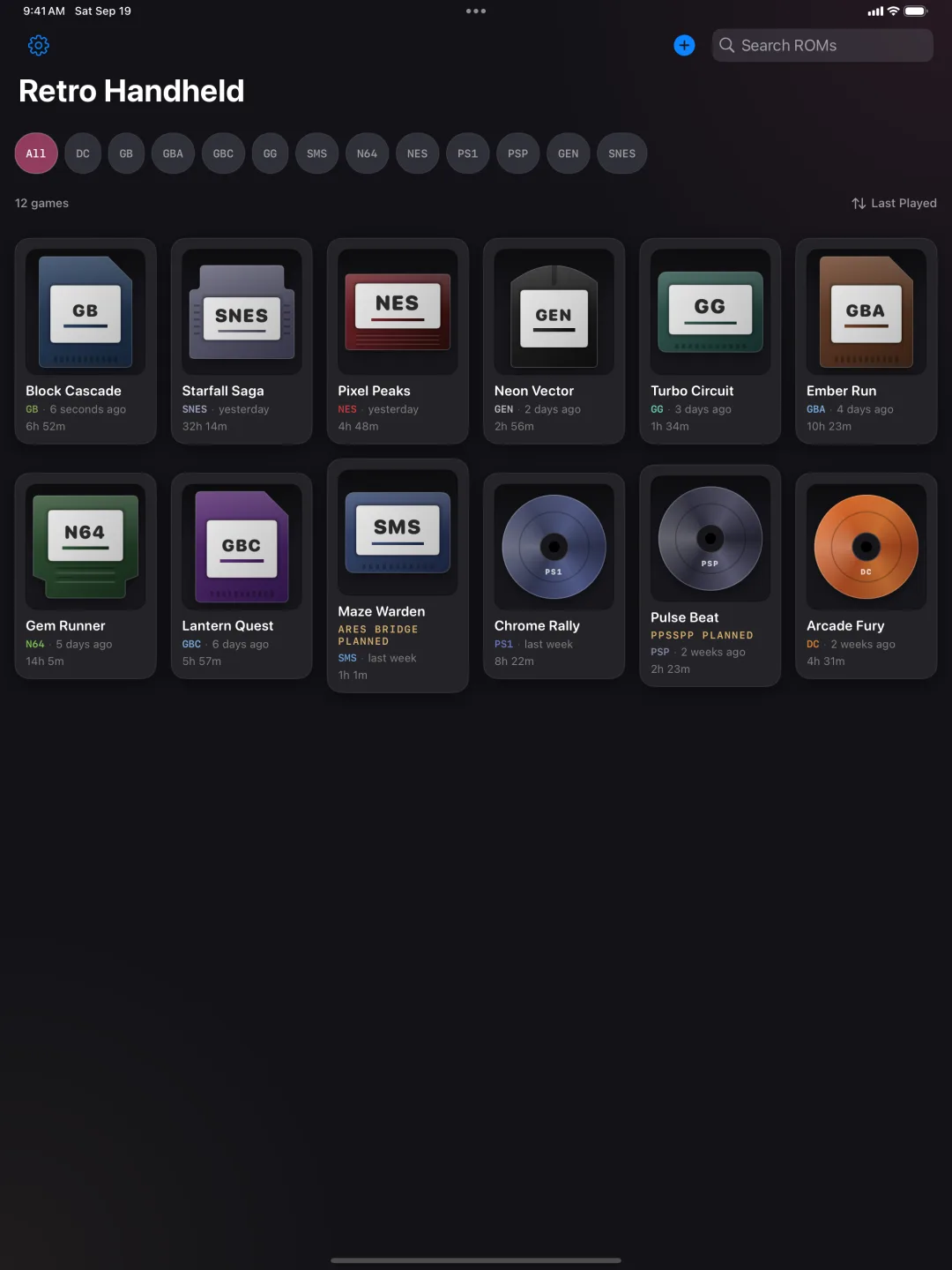
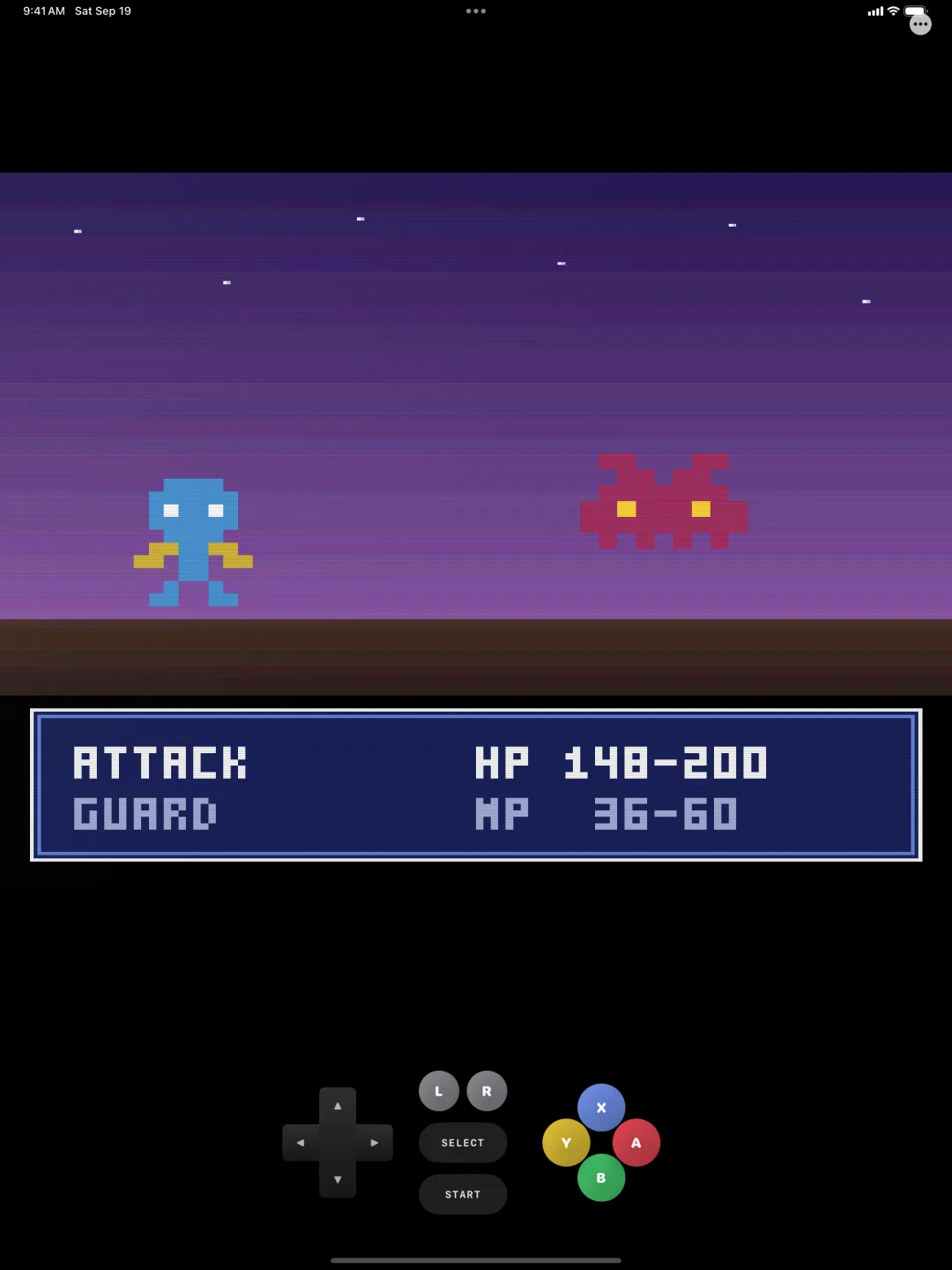
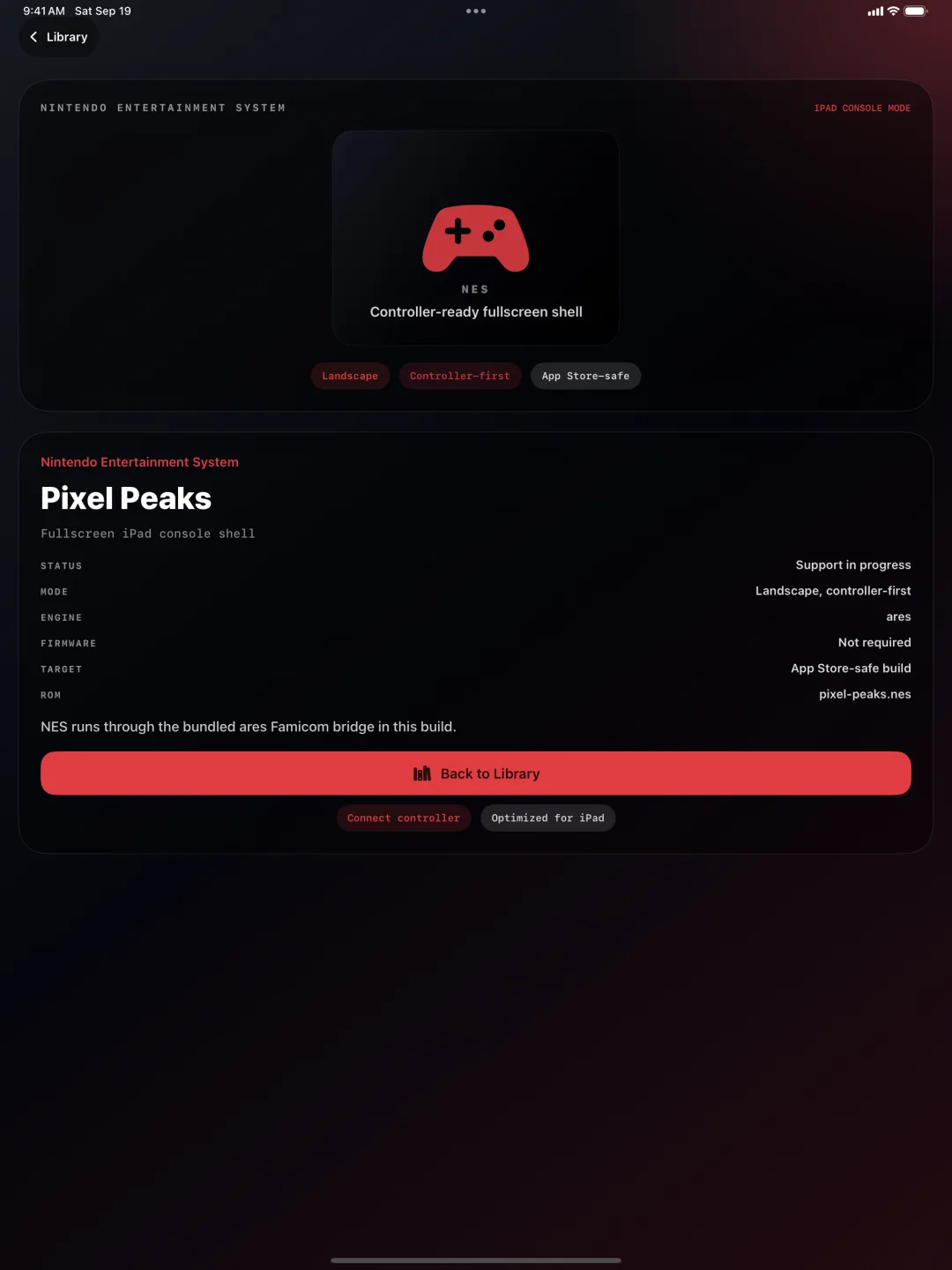
Features
Built for Your Whole Retro Library
Play 10 Classic Consoles
Play Game Boy, Game Boy Color, Game Boy Advance, NES, Super NES, Sega Genesis, Game Gear, Nintendo 64, PlayStation, and Dreamcast in one app. PlayStation works immediately with bundled OpenBIOS, and Dreamcast runs on Flycast with an HLE BIOS, so neither needs firmware files of your own.
Built for Controllers
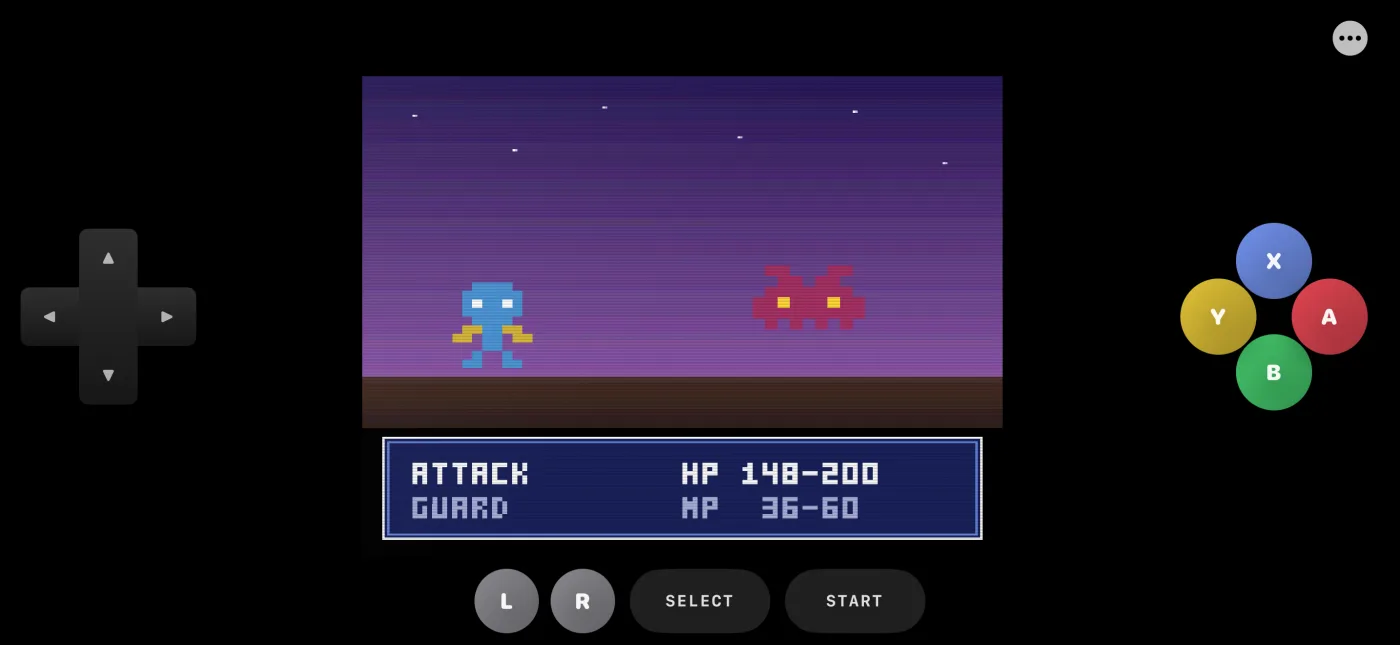
Pair Xbox, PlayStation, Switch Pro, and MFi controllers with automatic per-console mapping, or use touch controls and Bluetooth keyboard support when you want a different setup.
Cheat Codes
Enter Game Genie, GameShark, or Action Replay codes for each game, then toggle individual cheats on or off whenever you want to switch styles mid-run.
Save Anywhere
Use save states at any point, rely on auto-save when you exit, and jump back in with one-tap resume so your progress is always ready when you are.
Make It Yours
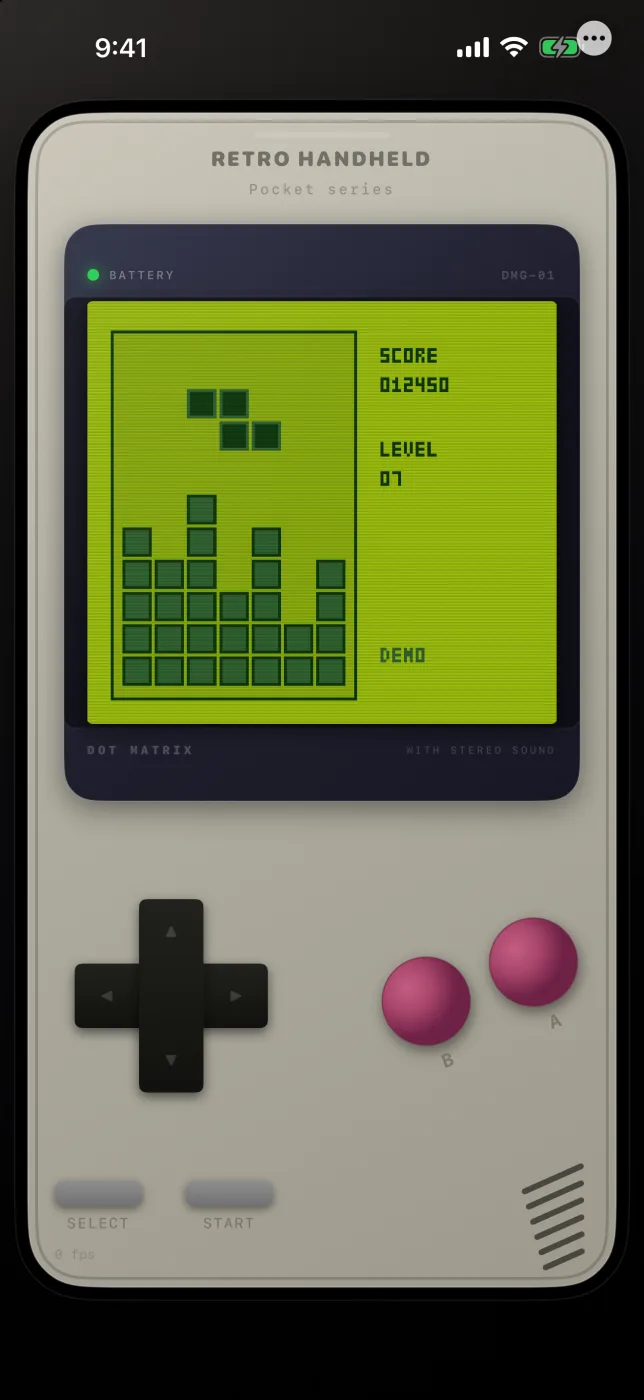
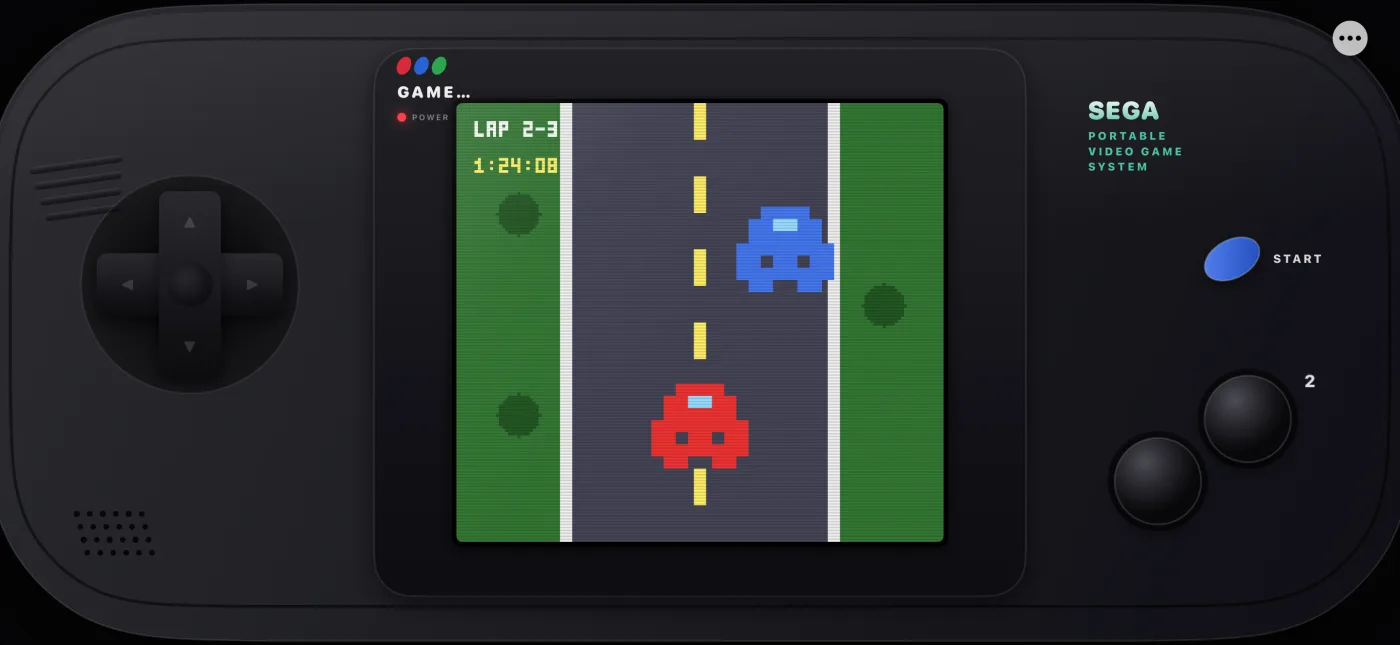
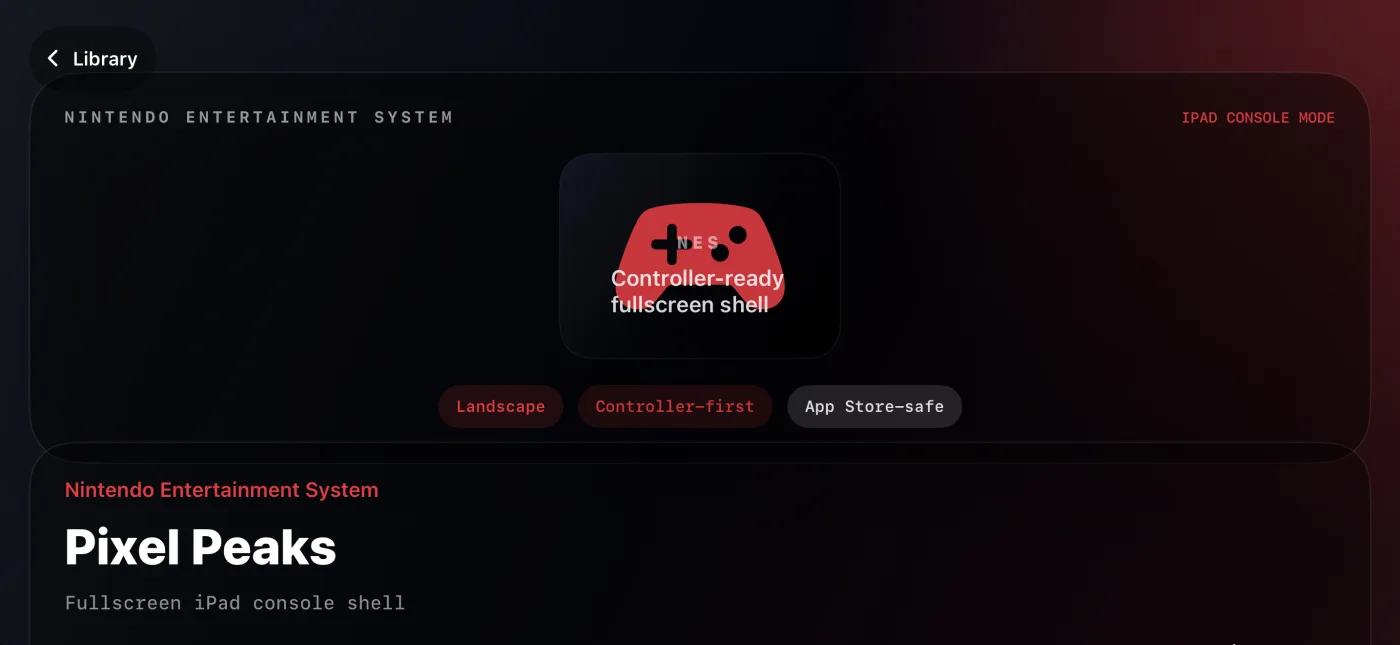
Choose fullscreen or a retro TV shell on iPad, tune scanlines, color filters, volume, and haptics, and shape the look and feel of each session around the way you like to play.
Built for iPhone Duo
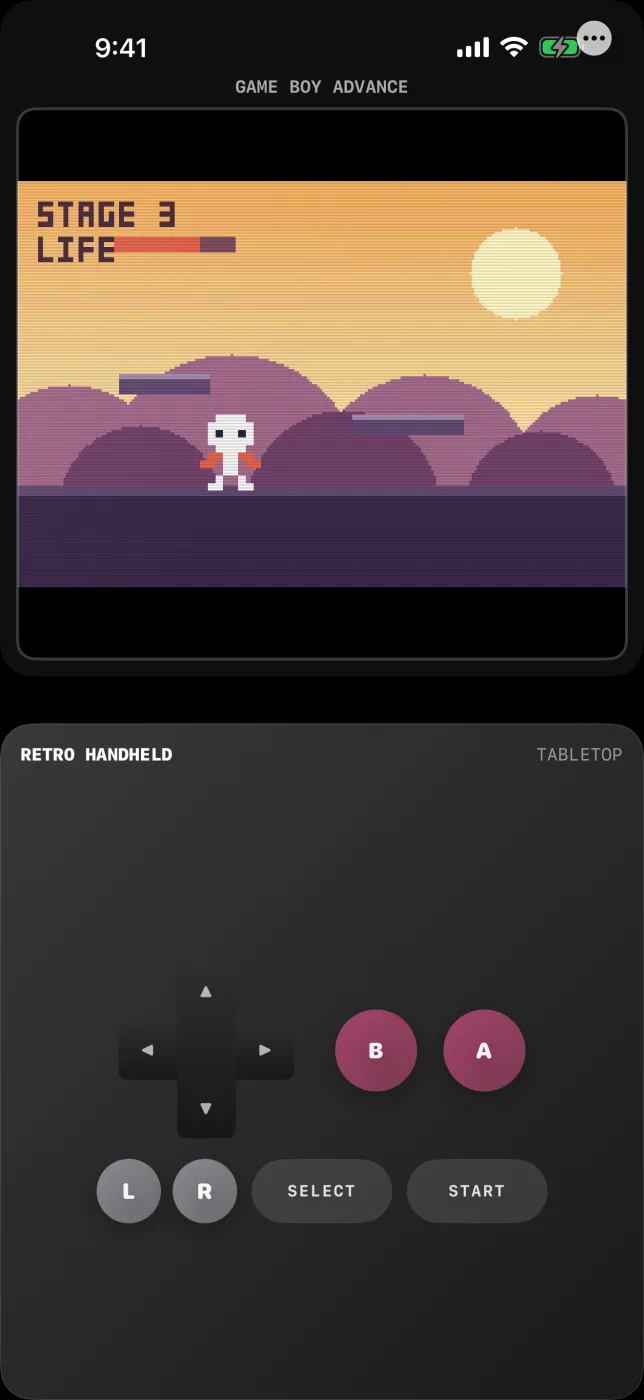
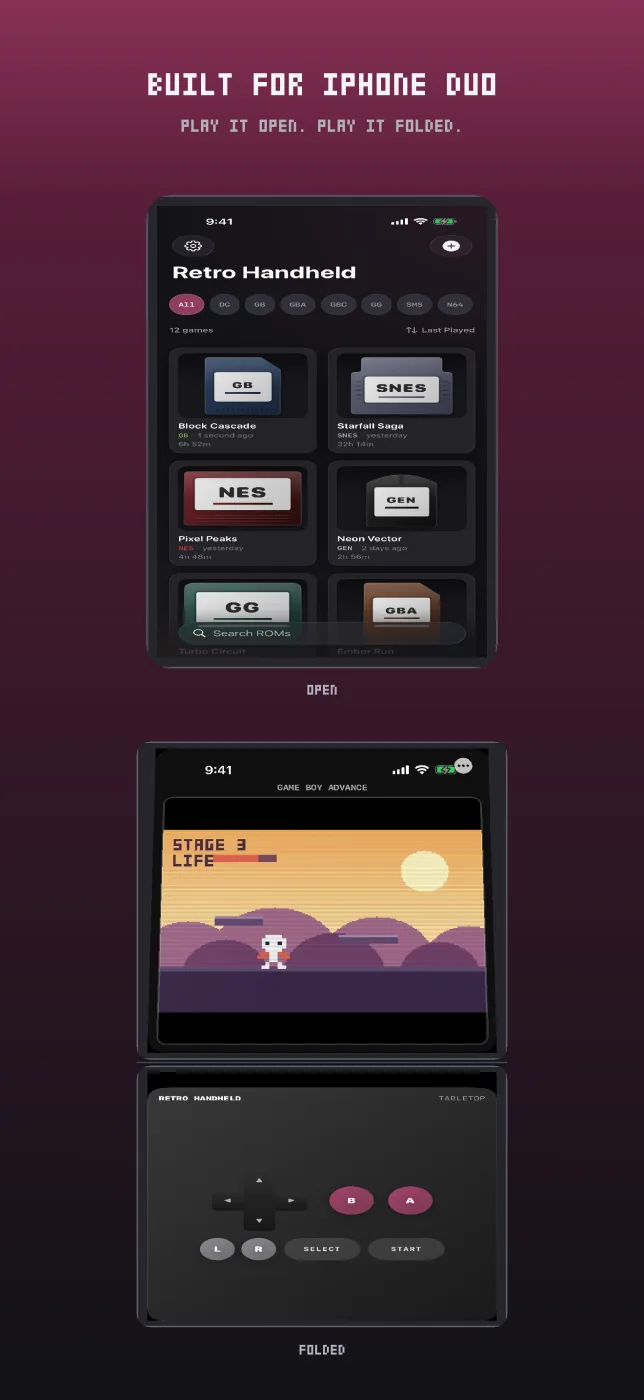
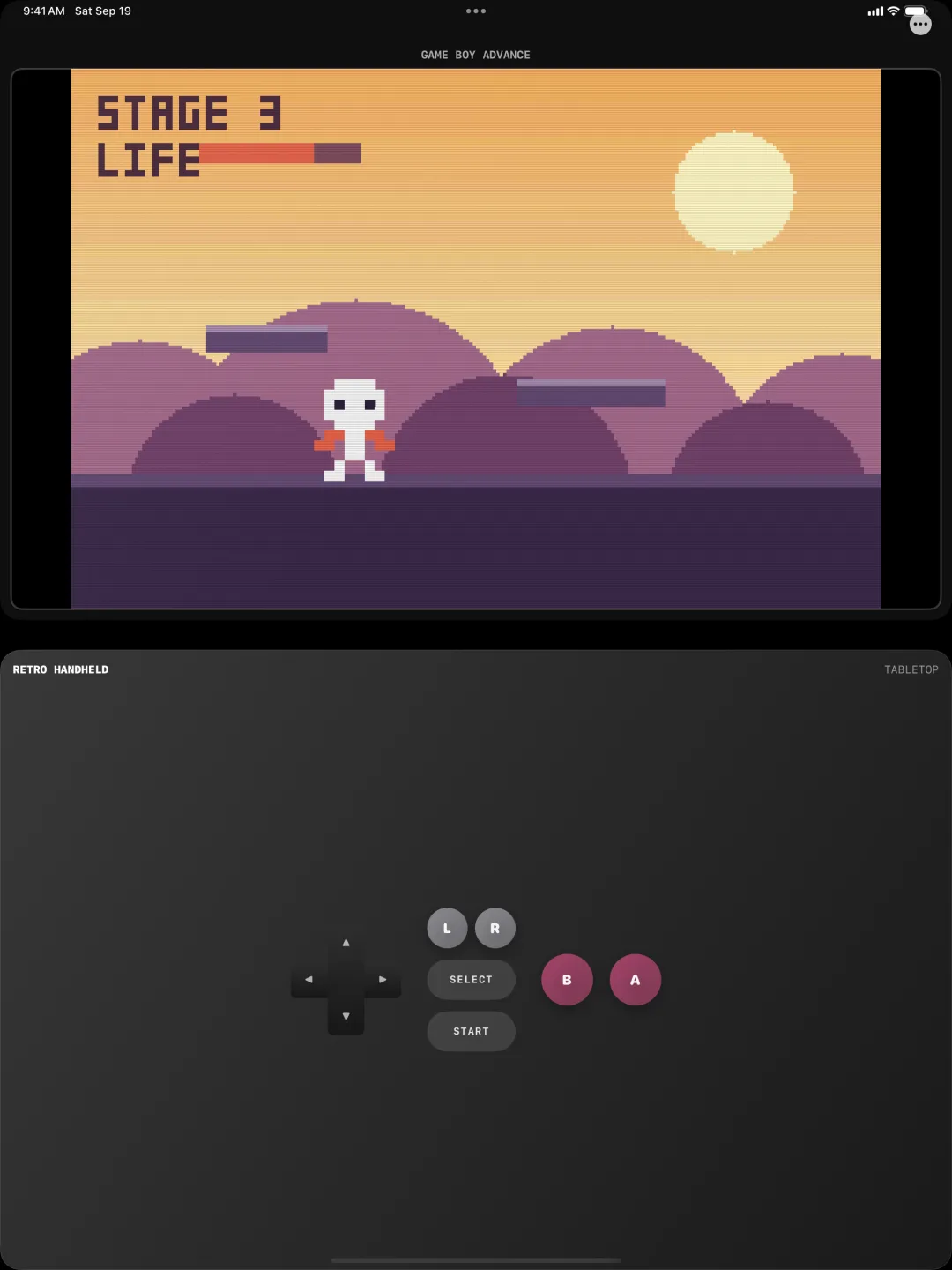
Fold an iPhone Duo part-way and the game moves above the hinge with the controls below it. Fold the other way for game on one side and controls on the other. Unfold and your session carries on in the normal shell, with no restart and nothing lost.
Tabletop Layout on Any Device
Settings > Display > Gameplay Layout has a Tabletop option that gives you the same split view on any device with a tall enough screen, with a control deck matched to whichever console you are playing.
Import and Play
Bring in your own game files from the Files app and start playing without account setup, online checks, or extra downloads. The emulator cores ship inside the app, ready to go.
Compatibility
Systems, Formats, and Controls
Supported Consoles and Cores
- GameBoy — mGBA — Playable
- GameBoy Color — mGBA — Playable
- GameBoy Advance — mGBA — Playable
- NES — ares — Playable
- Super NES — ares — Playable
- Sega Genesis — ares — Playable
- Game Gear — ares — Playable
- Nintendo 64 — Mupen64Plus + GLideN64 — Playable
- PlayStation — SwanStation + OpenBIOS — Playable
- Dreamcast — Flycast + HLE BIOS — Playable
- Sega Master System — ares — Planned
- PSP — PPSSPP — Planned
Supported File Formats
- GameBoy —
.gb - GameBoy Color —
.gbc - GameBoy Advance —
.gba - NES —
.nes - Super NES —
.smc,.sfc,.fig - Sega Genesis —
.gen,.md - Game Gear —
.gg - Nintendo 64 —
.n64,.z64,.v64 - PlayStation —
.bin,.cue,.iso,.pbp,.chd,.ecm - Dreamcast —
.cdi,.gdi - Sega Master System —
.smsplanned - PSP —
.csoplanned
Controller Support
- Xbox Wireless Controller
- PlayStation DualSense and DualShock 4
- Nintendo Switch Pro Controller
- MFi game controllers
- Bluetooth keyboards with full per-console key mapping
Keyboard Controls
- Arrow Keys or WASD — D-Pad
- Z — A or Circle
- X — B or Cross
- C — X or Square
- V — Y or Triangle
- Q — L or L1
- E — R or R1
- R — L2
- T — R2
- Enter — Start
- Right Shift — Select
Open Source
Bundled, Configured, and Ready to Play
What You Need
Retro Handheld does not include games. You must own the original cartridge or disc to legally use game files with the app. Import your library from the Files app and keep control of it on your own device.
Free Consoles and the Unlock
Game Boy, Game Boy Color, Game Boy Advance, NES, and Super NES are free to play. Sega Genesis, Game Gear, Nintendo 64, PlayStation, and Dreamcast are unlocked with a single in-app purchase. There is no subscription, and the unlock restores on your other devices.
Powered by Open Source
Retro Handheld is built on proven emulation cores that are compiled and bundled inside the app, so there is nothing extra to download or configure before you play.
- mGBA — GameBoy, GameBoy Color, GameBoy Advance
- ares — NES, Super NES, Sega Genesis, Game Gear
- Mupen64Plus + GLideN64 — Nintendo 64
- SwanStation — PlayStation with bundled OpenBIOS
- Flycast — Dreamcast with an HLE BIOS
Licenses
- Retro Handheld app — Proprietary
- mGBA — MPL-2.0
- ares — ISC
- Mupen64Plus — GPL-2.0
- GLideN64 — GPL-2.0
- SwanStation — GPL-3.0
- Flycast — GPL-2.0
- OpenBIOS — MIT
Need Help?
We've Got You Covered
Need help with game imports, supported systems, controllers, cheats, or save states? Use the dedicated support page or review the Retro Handheld privacy policy below.